Combining hobby with AI...

It's time to combine AI with hobby. I did use ChatGPT (free) already for a while, let's move this to a higher level. Actually I'm still dreaming about a software building game platform, where you and me can build together with vintage toys and being able to move around. So let's give it a try.

Since I'm a bit used to Claude Code, that platform will be used as the 'coding brains'...

Gaming software platforms...

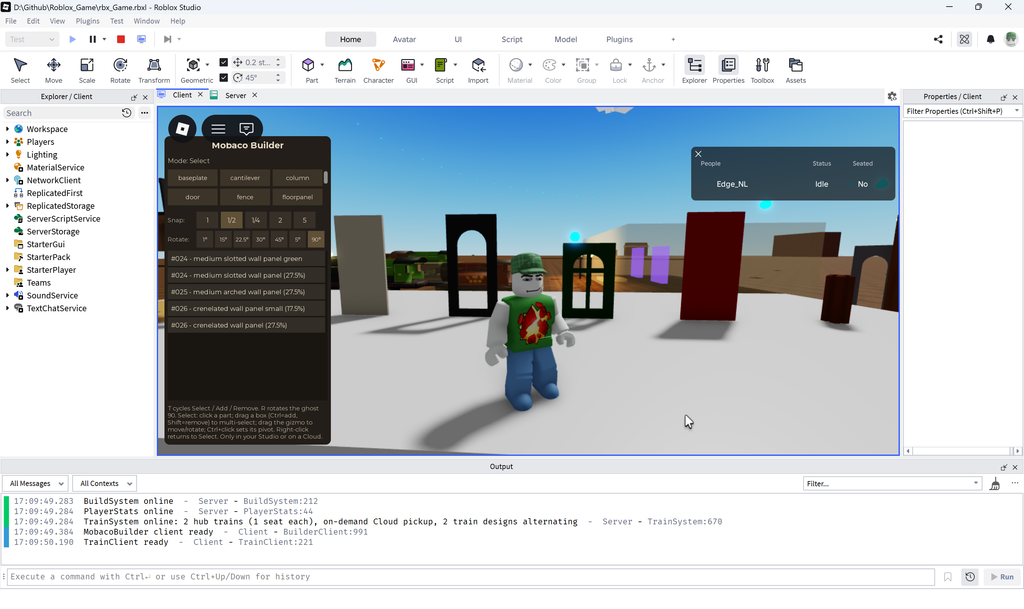
Although I'm not going to spoil everything about the game, the first step is what kind of software to use and how to connect with AI. Although you could program a complete 3D building game from scratch in Python or an other standard program language. This might be way more simple/logical doing this inside a game engine, since that's what I've in mind. Since the big game engines like Unity & Unreal seem to have a big learning curve, I only tested Godot & Roblox sofar. (Our child is playing Roblox, so good excuse to see what is going on.)

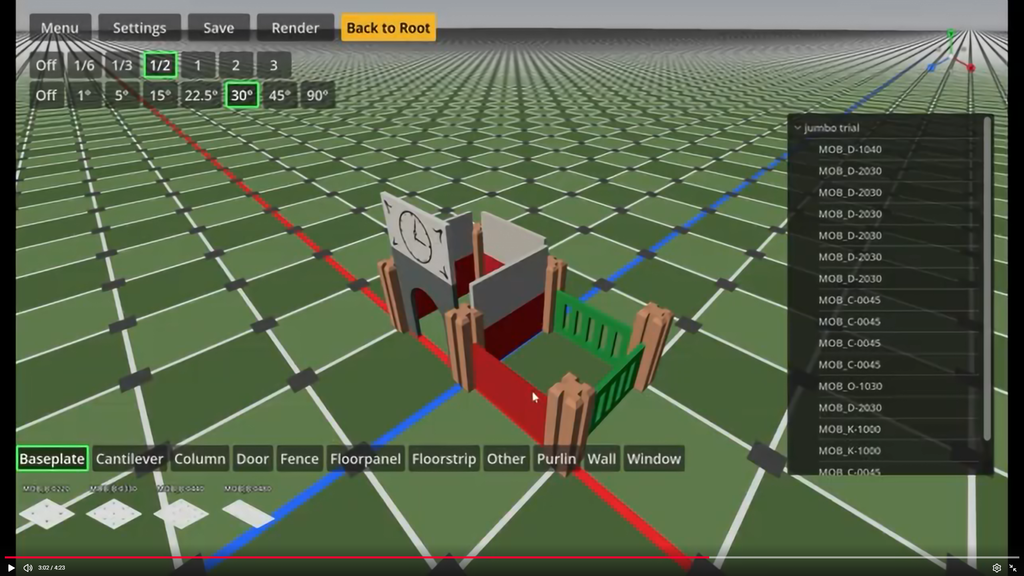
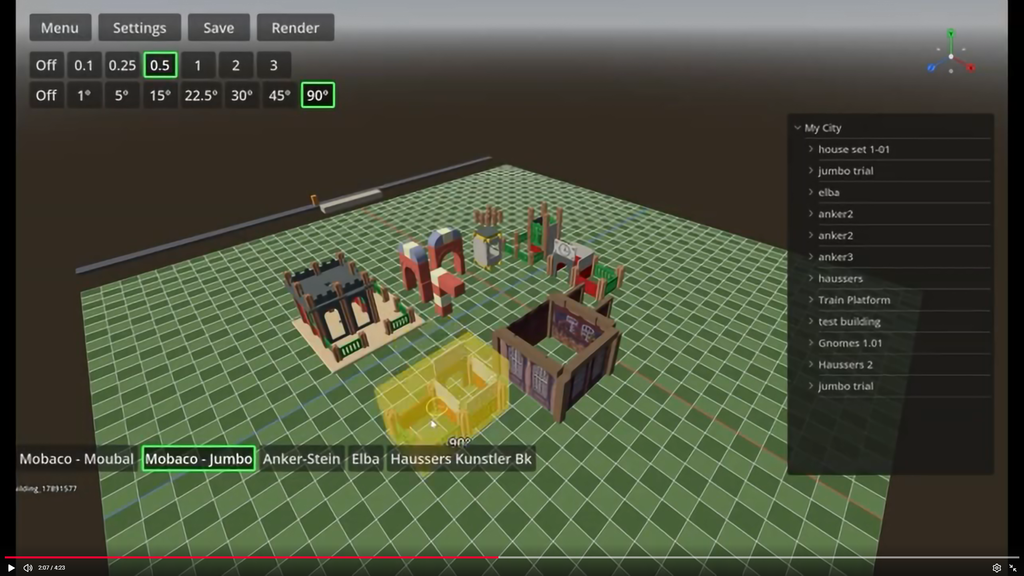
So converted some library parts into GLB parts and these could directly being used in both game engines. Both engines were quite easy to configure and being able to create a basic building game. I do have a preference for Godot, since it's more flexible and not depending on the closed Roblox system.

(I'll add some short first video's about these first iterations later.)

But what is lacking, especially in Godot: good looking environment. (I'm an engineer, not an artist...)
So needed some experience, getting the appearance at a higher level.

AI movies...

My very first movie was a Claude-Blender experiment, with a pre-written animation scenario. That took quite some effort, since I'm not used how Blender is working. I did finalize a first animation in +40 hours, but not yet happy with.

L'Edifice - The Mystery Box

This week, I did not have time to spend my personal AI credits, so just need to try something. This became the second movie experiment, again Claude-Blender combination, now with one week experience.

The minimal goal: flying through a l'Edifice city...

Necessities:

  • Having many buildings already using LeoCAD and converted to GLB.
  • Let Claude solve all issue's, importing these in Blender: simplify & update colors of all panels and changed all panels into database type again.
    (So no duplicates and fixing color conversion errors.)
  • I told Claude the minimal requirements (prompt) and then all buildings were placed automatically, with a 'backup' for manual needed changes.
  • Roads, rail track, props (trees, people, animals, cars etc) where automatically created too.
  • I wanted a customized flying profile, that took a lot of time. (And which is still lacking a little, sorry...)
  • And finally Claude connected all pieces together.

The result:

Overall it still took 18 hours building this complete animation, but I'm quite pleased with this.

Side step → race game

Now basically having a 'complete 3d environment', why not use it as 'game asset'. So with a bit of rework, this complete city was made ready for Godot. And with Godot you could transform this into a game, walking/flying through this city yourselves! (That took less then 10 minutes.)

And spending an other evening (~3 hours), I was able to step inside a car -with suspension- and drive it around. Which was also hosted on this webhost server, so it was a first 'online' game trail too. Also included a simplified damage control & the car will explode when driving against a building. (The collision boxes are not yet completely right.) Anyway, it's amazing what is possible these days!

Just choose the car you want to drive, they all having a different properties.

Side note: Of course this works right out of the box inside a web browser: both on pc (windows/mac) and mobile phones. That's what you expect right?!

Mobaco - Magical manual [WIP]

Time for a new movie, this time a Mobaco manual. Well, the idea is simple, took quite some time (+12h) and the result is not yet very amazing yet.

Let's say: work in progress...

Mobaco - Build by gnomes

Two weeks later: Why not, the real Mobaco manuals consists of gnomes, building/playing around with these Mobaco example buildings. So why not let some gnomes build a building?!

Software used:

  • LeoCAD + Mobaco library → Create building(s).
  • Python code → Transform this building into GLB.
  • Scan gnomes from manual → ChatGPT.com → tripo3d.ai → Getting rigged gnomes.
  • Claude Code + Godot → Make the 3D animation happen.

The gnomes having a state-machine. It's basically a method used for robots working inside an automated warehouse.
So I did not need to tell, which part should be moved where, these robots just following a list which part to take up next and where to place it. Another element is adding some collisions, which is partly solved. Gnomes are not walking through each other or placed parts. Moving a part around is a different story, which I did not want to solve. Next to that, I only needed to tell, how it should hold different parts and an add some variation, since gnomes are not machines!

Took 13 hours to complete, but I'm quite pleased with the result.

Game assets...

Say, I want to convert a nice 1920's Bowman life-steam loc into a game. How could we do this? Well first check if someone else did it and is willing to share the model...

Basically 2 sources: one nice looking loc and my own.

1. CAD

Just do it your selves, by measuring every part & detail and model this in CAD. Well I was hoping, this is not necessary.. So I started creating a first simplified CAD object. And use this as input for some of the methods bellow.

2. AI: Image → 3d model

Well that would be great, if that would work...

  • Method 1: Give a (free) AI 3D-generator from one single photo.
  • Method 2: Give a (free) AI 3D-generator a simplified CAD model + one single photo.
  • Method 2: Give a (payed) AI 3D-generator a simplified CAD model + 4 photo's.
  • Method 4: Claude merge...

3. Telemetry: Photo's → 3d model

So let's try telemetry. Basically taking a bunch of photo's from different angles and let the pc calculate the 3d model. This is proven technology. But it does not work so well with shining object. So let's create a hobby-grade light box, to eliminate reflections.

  • Method 1: MeshRoom
  • Method 2: RealityScan

4. 3D scanning

Okay, I know already this is very difficult. Having an very old 3d scanner (XBOX Connect first version), it was already difficult to install software on windows 11. I've used this device before, scanning some people heads. Well, that's working. But trying to scan this train, well, I could upload a black picture, but you get the idea.

Should I buy a 800 or 2000 euro scanner? Well those will work better then mine, but the results are still scanned meshes, having issue's with shining surfaces and still need rework in CAD/Blender anyway. Secondly the quality for generating textures are not great either.

5. Hybrid

Let's say a bit of me and Claude combined, while using Blender. Currently an acceptable workflow, is loading the simplified CAD model in blender, give Claude access to all photo's created and workout every section by prompts. It's also time consuming...

  • Claude will recreate textures in Blender, so these are still lines of code, telling Blender what to do.
  • I should have create more shapes inside CAD, since (not accurate) modeling takes more time writing prompt, then just draw this.
  • Overall Claude is quite helpful of changing many things, like changing colors and adding real small missing details.

Conclusion:

I think this approach will result in the best results so far.


So still need to finalize the Bowman and having some other projects to generate. To be continued!